Read the programme, not just the match
A run of show describes how a programme is intended to unfold: opening, introductions, analysis, live play, replays, interviews and closing items. It may contain estimated durations, graphics references, speaker assignments and transition notes. Formats vary, so ask which document is current and who has authority to change it. A schedule is a coordination tool, not a guarantee that the game will finish on time.
Mark the moments where your responsibility begins and ends. A host may introduce the commentary pair before a live handover; the pair may later return the programme to a desk. Practise both directions. A clean handover names the destination, completes the current thought and leaves the next speaker room to begin without repeating your introduction.
Know the people behind the pictures
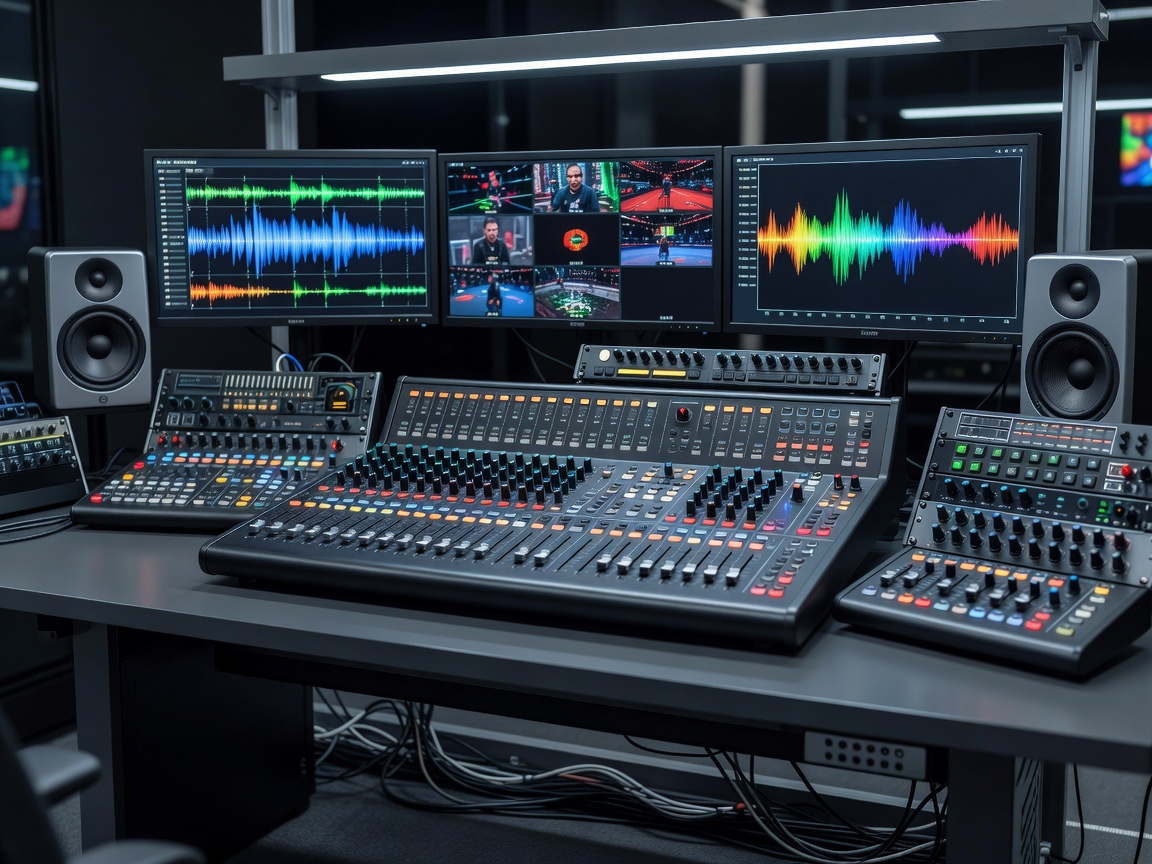
Production roles can overlap on smaller broadcasts. One person might direct the programme and select sources, while another handles both audio and recording. Learn the actual arrangement rather than assuming a large-event structure. Ask who you should contact about a missing feed, a pronunciation correction or a timing question before you are live.
| Role | Typical focus | Useful contribution from you |
|---|---|---|
| Producer | Editorial priorities and programme flow | Concise questions and early warnings about missing information |
| Director | Selection and timing of programme sources | Clean finishes and attention to transition cues |
| Observer | In-game camera and relevant action | Analysis grounded in what the audience can see |
| Audio operator | Speech, game sound and communication routing | Consistent microphone technique and clear fault reports |
| Graphics operator | Names, scores and visual information | Verified spellings and specific correction requests |
Agree cue language before going live
Words such as “stand by,” “wrap” and “hold” are common, but their practical meaning can differ between teams. Confirm whether “wrap” means finish your sentence or end the segment immediately. Ask how a countdown will be delivered and whether you should acknowledge it verbally, visually or through a separate channel. Never assume private communication is inaudible to the audience until the routing has been checked.
A technical rehearsal should include listening as well as speaking. Test whether you can hear your partner, programme sound and production instructions at workable levels. If every source competes equally for attention, report the problem. Do not compensate by increasing all levels or shouting. Clear routing makes clear decisions easier.
Work with the observer
In VALORANT or Counter-Strike 2, you may understand an off-screen possibility that the observer has not selected. Describe uncertainty honestly. Avoid narrating a guessed event as though the audience has just watched it happen. If a replay reveals a different sequence, correct the explanation without treating the correction as a personal failure.
Analysts can help by referring to visible landmarks, utility or positioning rather than vague gestures such as “over there.” A replay explanation should remain useful even if the sequence is shorter than expected. Prepare the essential point first, then add detail if the producer leaves room. The broadcast should not need to wait for your paragraph to find its conclusion.
Producer: “Replay next. One point, then back to live.”
Analyst: “Watch the support player hold the escape route. That is why the first elimination becomes a second.”
A rehearsal example: the cue defines the available space; the explanation fits it.
Recover without inventing a story
Technical delays are not permission to speculate about players, organisers or equipment failures. Use the information production has confirmed. You can briefly restate the match situation, explain the next scheduled step or move to an agreed discussion topic. If no cause has been confirmed, say that play is paused rather than attaching a diagnosis to it.
Prepare a small bank of relevant holding topics during rehearsal. They should be factual, appropriate to the event and easy to stop. Do not promise a restart time unless you have been authorised to communicate it. When action resumes, return the audience to the essential context instead of apologising repeatedly for a problem outside your role.
Debrief the system, not only the speakers
After the session, review where a cue arrived too late, a document became outdated or two people assumed the other owned a task. Those are workflow problems that may not be solved by telling a commentator to concentrate harder. Record the agreed change and assign someone to update the relevant document or test.
When comparing academy-style training, ask whether production collaboration is rehearsed or merely described in a lecture. Look for simulated handovers, cue practice, technical checks and a debrief involving more than the on-air voices. An excellent individual performance still needs a reliable system around it; learning to contribute to that system is part of becoming a dependable collaborator.